

Your orders.
Ready for the next step.
Bring WooCommerce order data into Google Sheets, with flexible columns and manual or automated export workflows.
WordPress plugin
01 / The idea
Less copying.
More useful order data.
When orders live in your store and operations live in a spreadsheet, moving information by hand becomes another task. ArsilSheet connects those two parts of your workflow.
WooCommerce / Google Sheets
02 / How it connects
From your store
to your spreadsheet.
01
Connect Google
Choose the Google connection method available with your plan: Google sign-in or your own service account.
02
Shape the destination
Select a Sheet and tab, then choose the fields, column headers, and order your workflow needs.
03
Export your orders
Export selected orders manually or use the automation options included in your plan.
03 / Core capabilities
A spreadsheet workflow.
On your terms.
01
Manual & bulk exports
Send a single order or a selection of orders from the WooCommerce order list.
02
Flexible columns
Choose order fields, rename headers, and arrange the export to suit your team.
03
Status-based Auto Send
Export when an order reaches a selected status, with the appropriate automation plan.
04
Duplicate protection
Track sent orders and help prevent accidental repeat exports.
Export rules, schedules, date-range exports, history, retries, and failure alerts are described on the official site as 2.5 beta features. Availability depends on the plan and release.
04 / Example workflow
Give fulfillment
a clearer starting point.
A store uses a Sheet to organize fulfillment. Order fields become the columns the team needs, and the selected export method moves the relevant orders into that destination.
- 01InputWooCommerce orders
- 02ProcessSelected fields & export
- 03DestinationYour Google Sheet
Who it is for
A starting point for
the right conversations.
01
WooCommerce store owners
02
Fulfillment & operations teams
03
Agencies managing client stores
The public
product website.
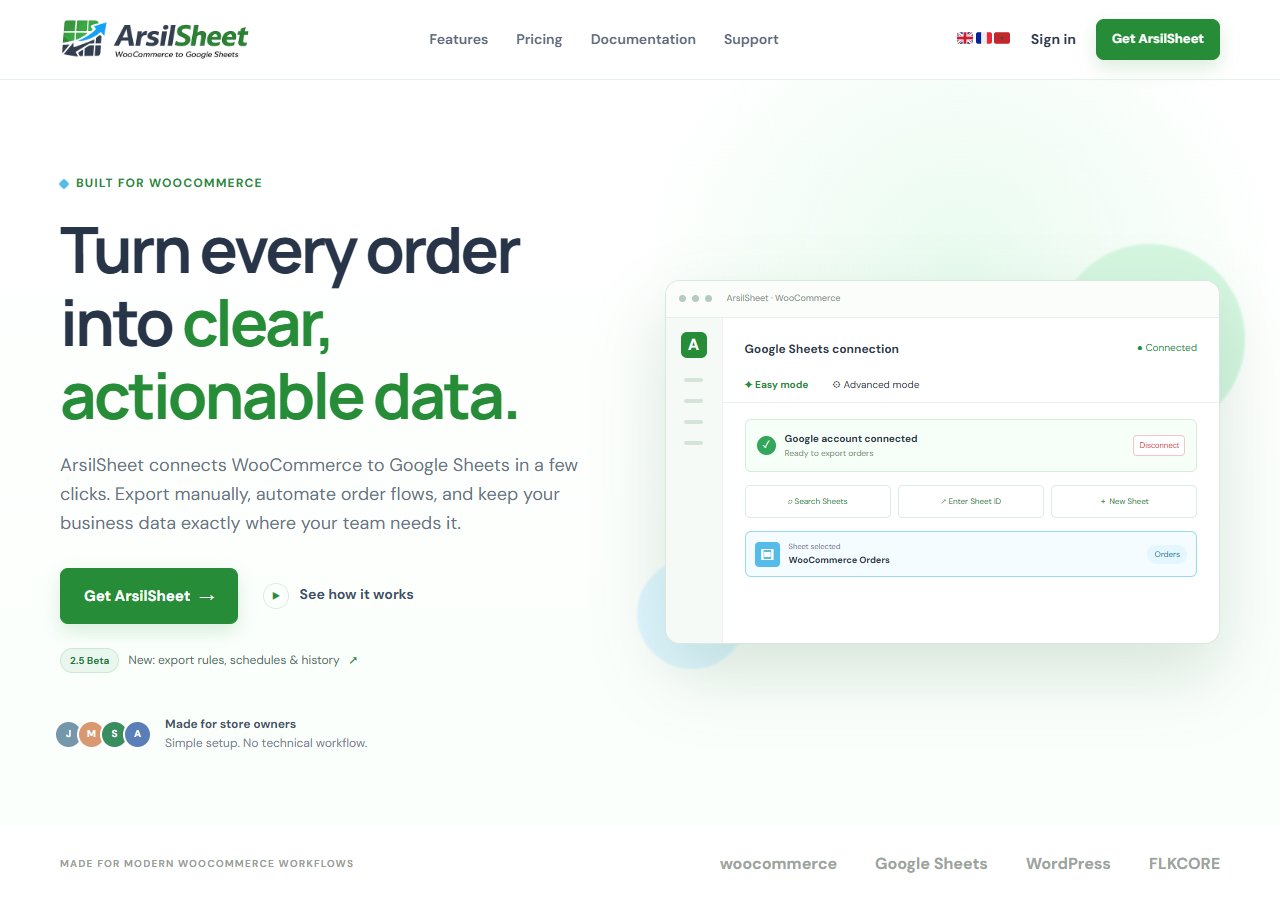
A website preview for ArsilSheet. Explore the official site for its latest content and product information.
Do I need a Google Cloud service account?
The official site offers Google sign-in on paid plans and an advanced service-account connection in the free version. Check the current plan details for your setup.
Can I choose which order statuses trigger an export?
Auto Send supports selected WooCommerce order statuses. It requires a plan that includes this feature.
Do scheduled exports run at an exact time?
Scheduled checks use WordPress scheduled tasks. Timing depends on site activity and server configuration; it is not an exact-time guarantee.
Where can I check installation and feature availability?
Use the official ArsilSheet website for documentation, current releases, plan details, and product support.
Put your order data
where your team needs it.
Visit the official website, or talk to FLKCore about the project.